birthday · anniversary · year in review
turn a year of photos into the number that defines it
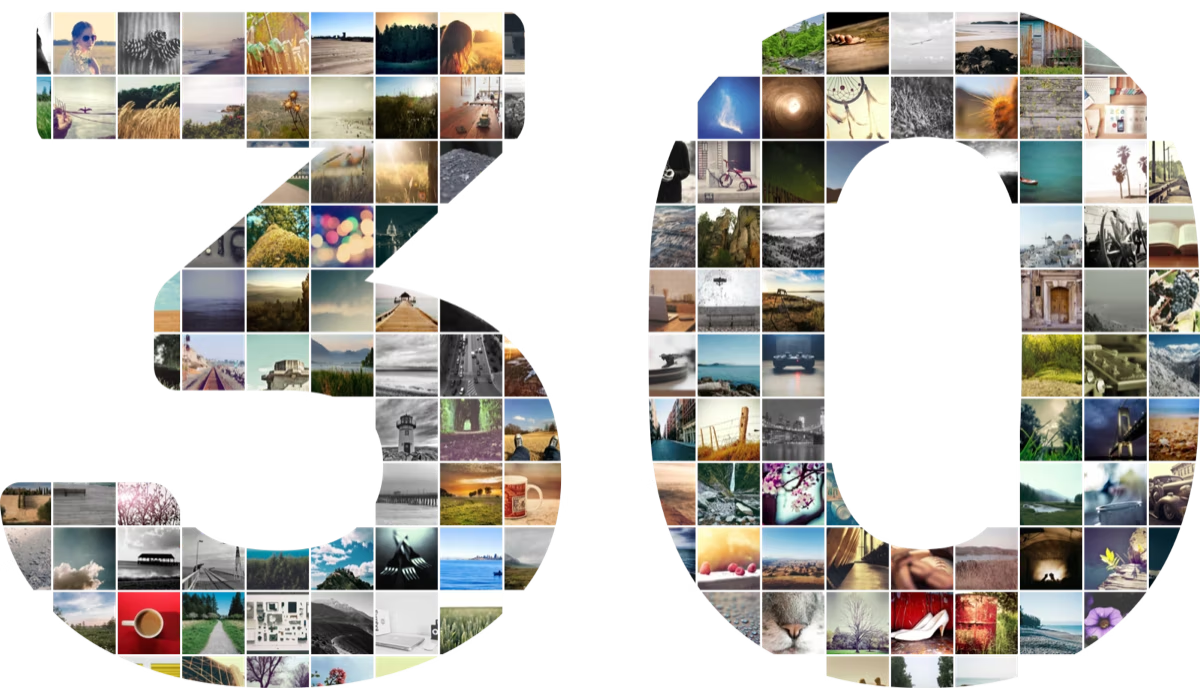
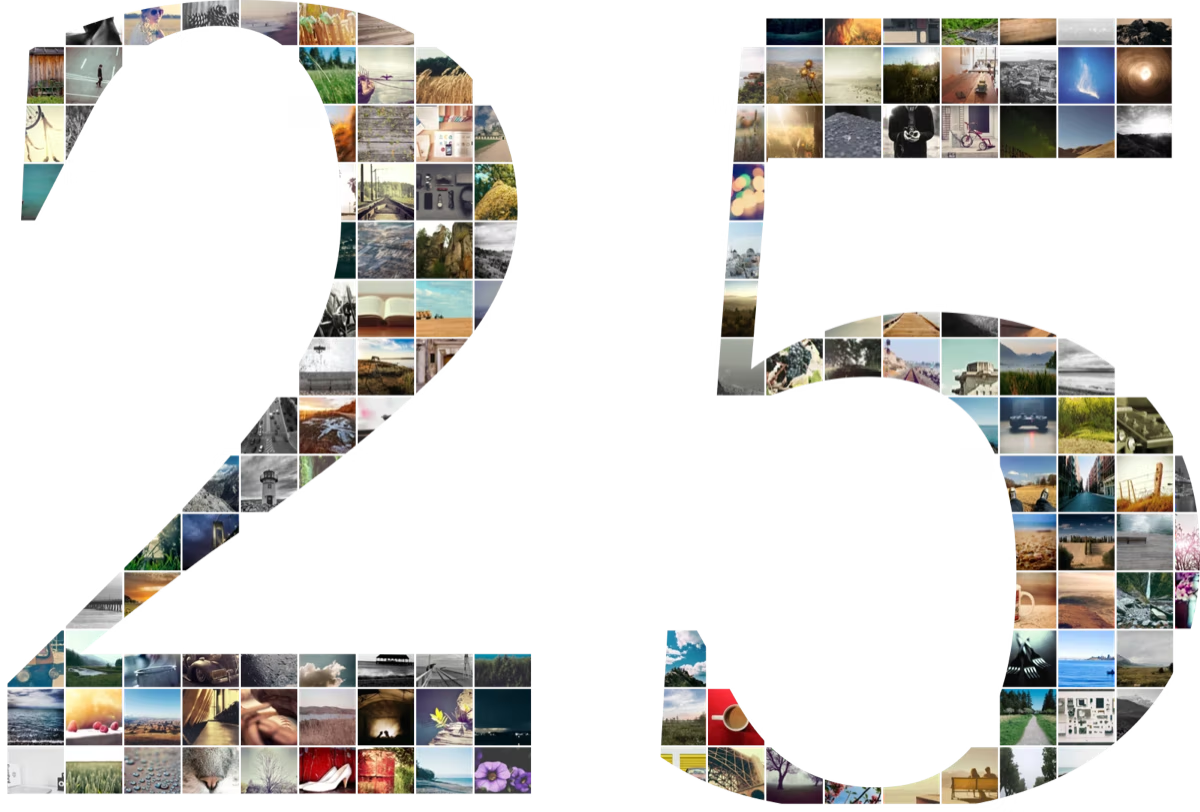
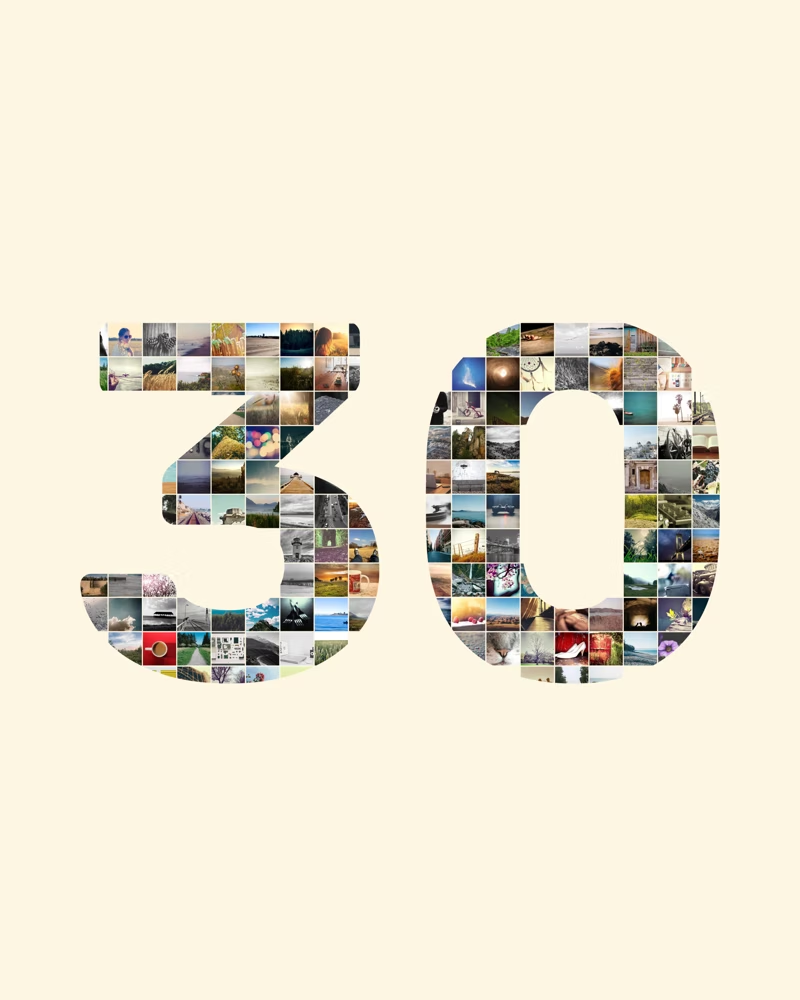
pick your photos, choose a number from 1 to 99, and numbloom arranges them into a collage shaped like it. share it, or print it as a gift they'll keep forever.
how it works
three taps to a keepsake
no design skills, no fiddling with layouts. numbloom fits every photo into the shape of your number.
- 1
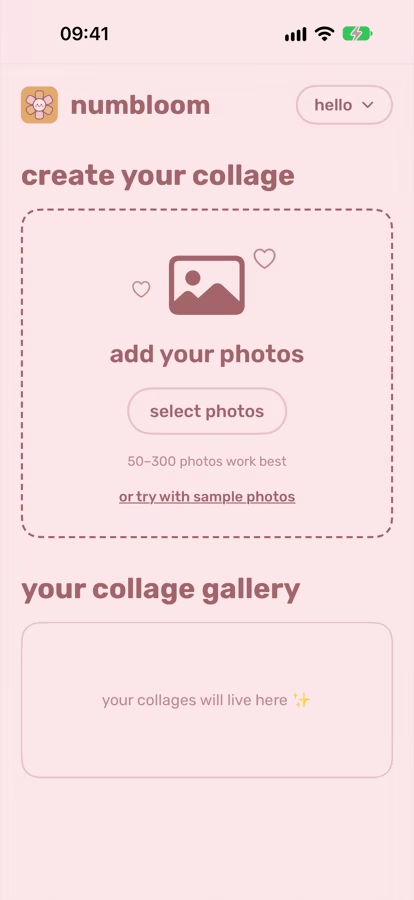
add your photos
pick 30–100 favorites from your library. they never leave your phone.
- 2
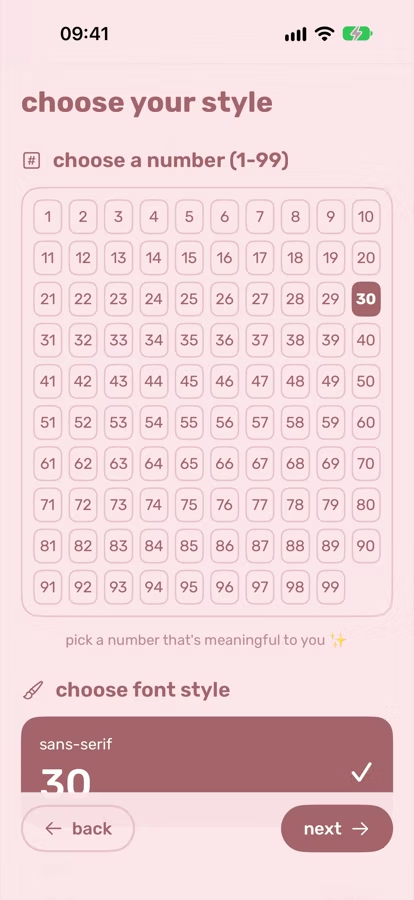
choose a number & style
any number from 1 to 99, in sans-serif, serif, monospace or comic.
- 3
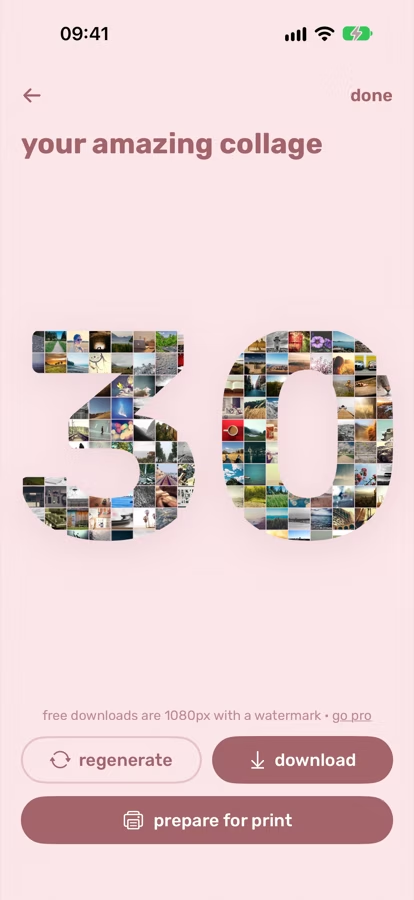
download or print
don't love the arrangement? tap regenerate for a fresh mix, then save it.
made with numbloom
every number tells a story
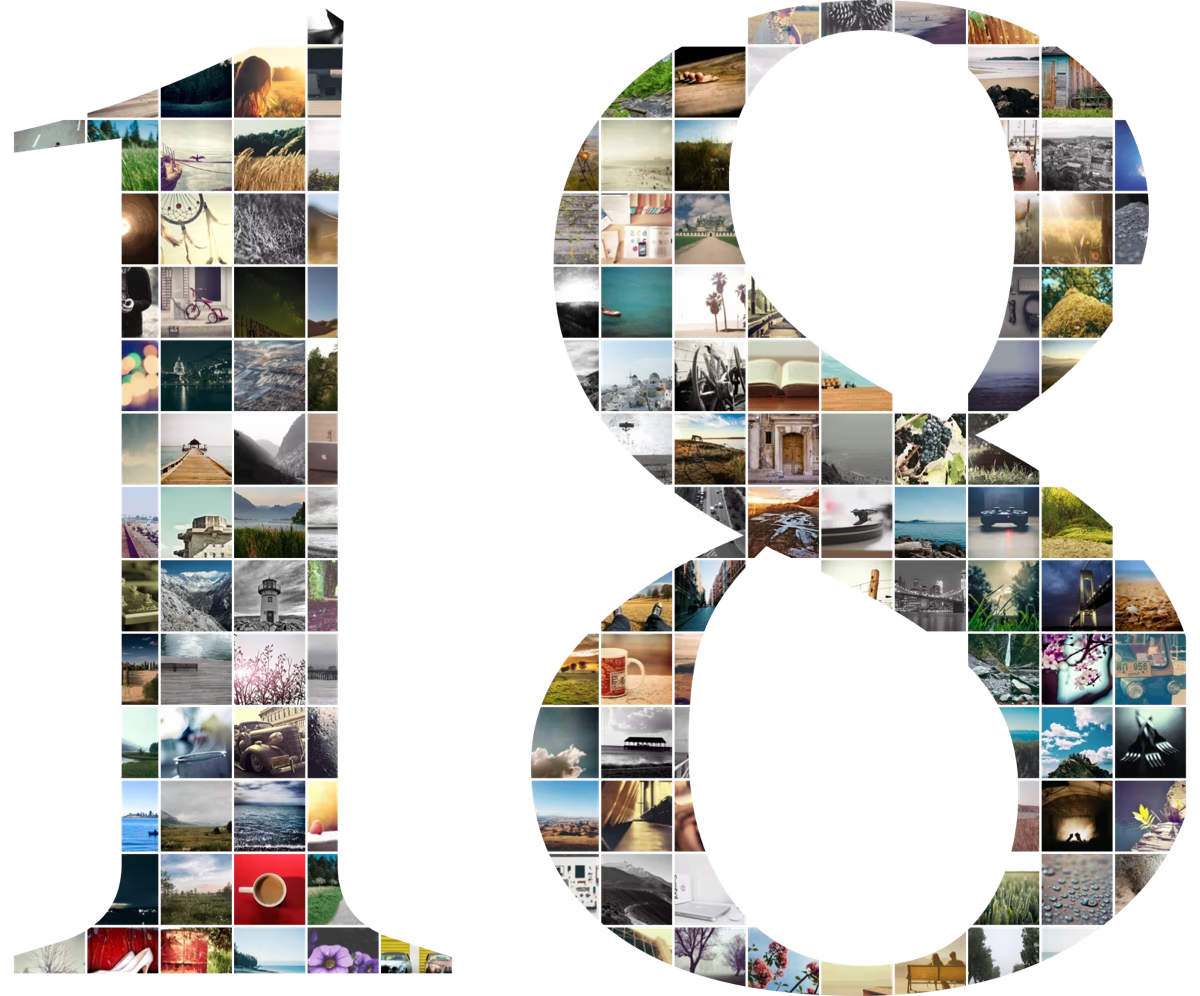
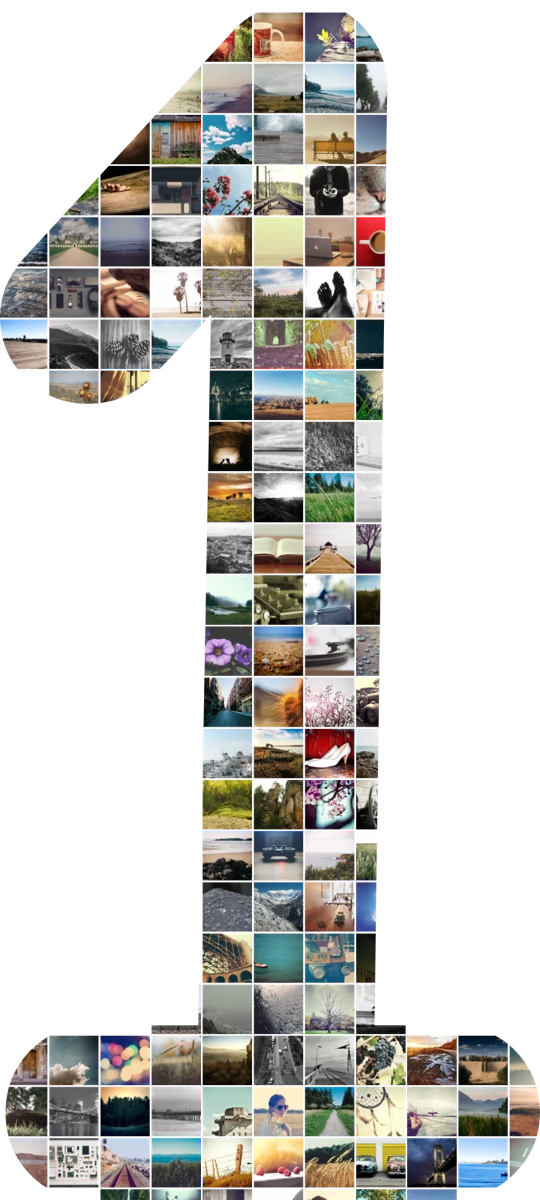
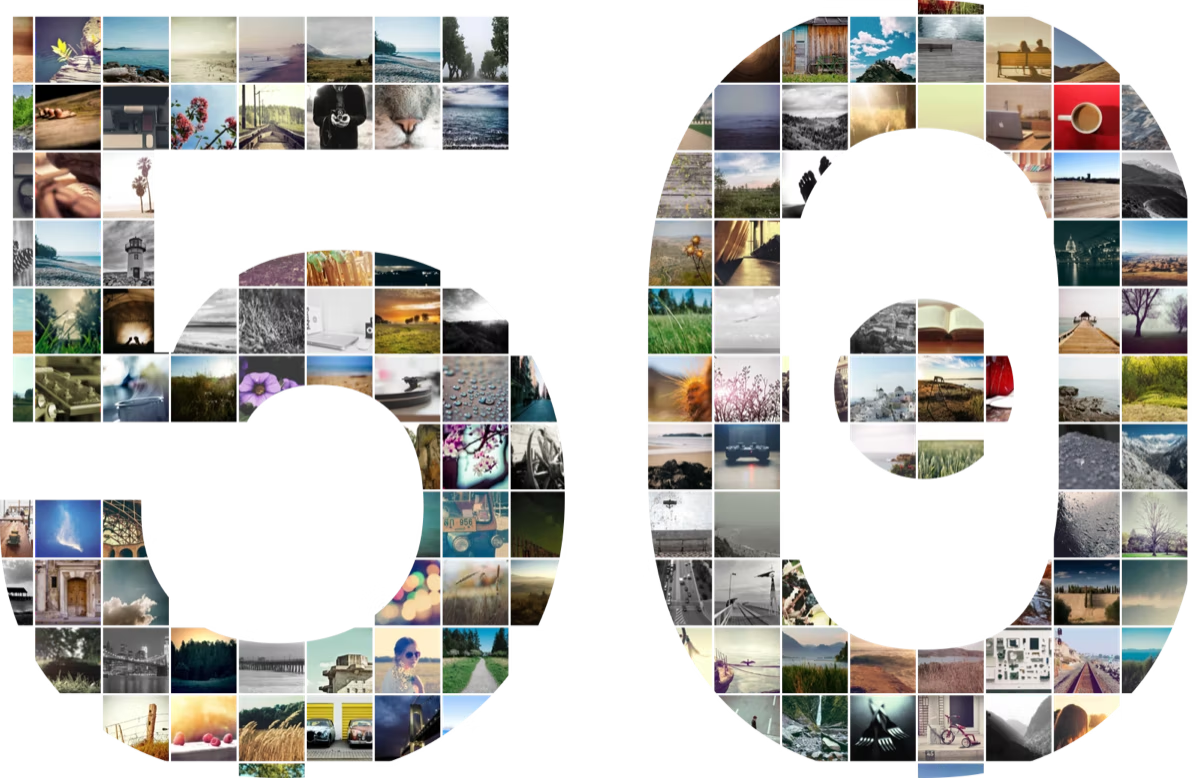
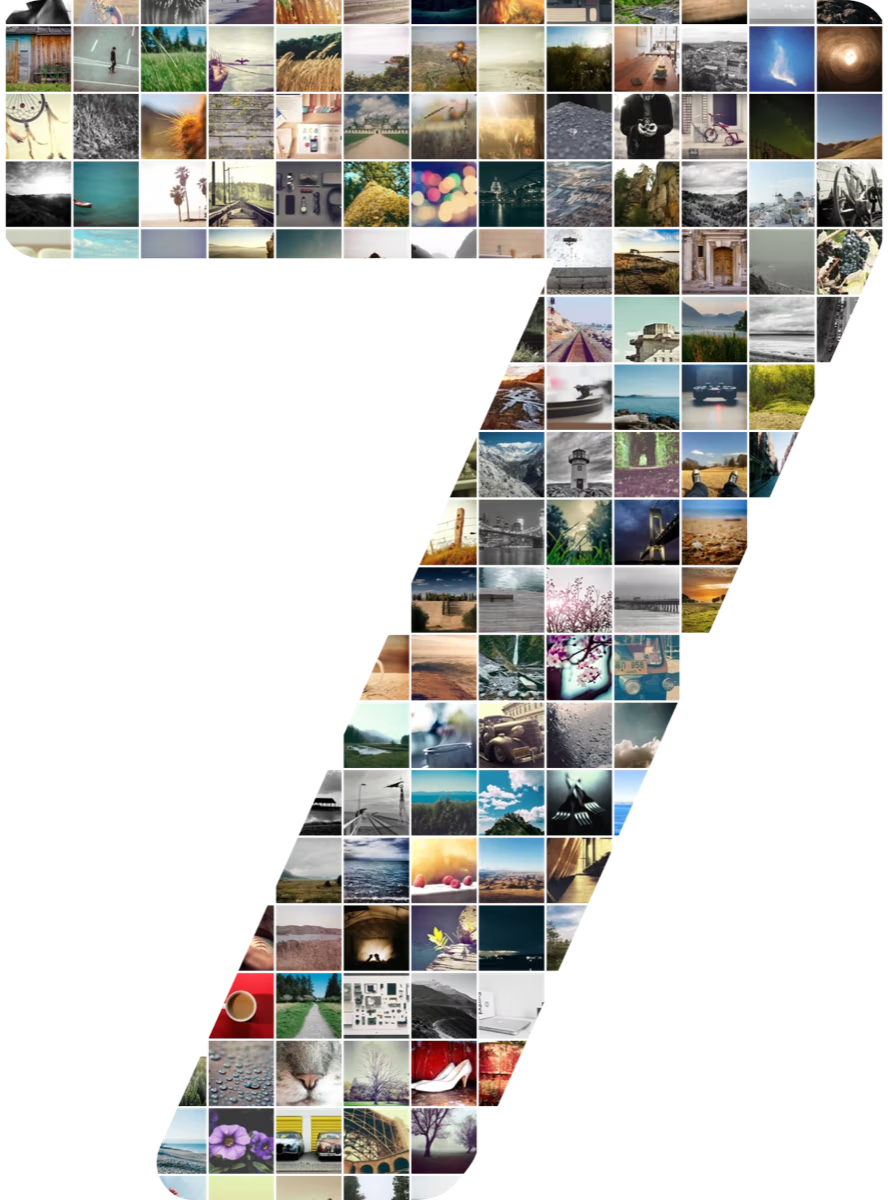
for every celebration
the gift that makes them say “wait, how?”
birthdays
one photo for every memory of the year, shaped like their new age.
anniversaries
your years together, from the first date to today, in one frame.
year in review
turn your camera roll into a big “26” for the wall.
milestones
graduations, jerseys, class reunions, a team number. any number from 1 to 99.
ready for the frame
print-ready in one tap
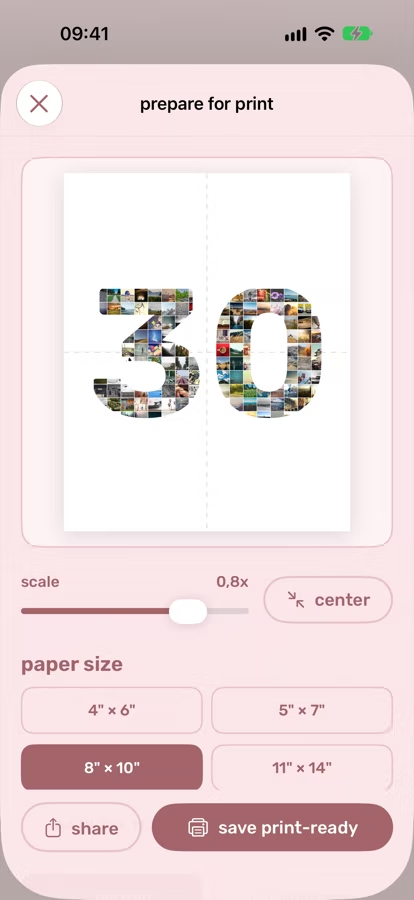
pick a paper size, orientation and background, drag the collage where you want it, and save a crisp 300 dpi file. take it to any print shop, or print at home.
- 4×6
- 5×7
- 8×10
- 11×14
- A4
- A3
pricing
try it free, go pro when you love it
your first collage is on us. pro unlocks everything, and you can cancel anytime.
free
$0
no card needed
- 1 collage
- sans-serif style
- 1080px download with a small watermark
- saved in your gallery
numbloom pro
$29.99/ year
just $0.58 a week · or $3.99 weekly
- unlimited collages
- all four number styles
- full resolution, no watermark
- print-ready exports, 4×6 to A3
subscriptions renew automatically until cancelled in your app store settings.
faq
good questions
do my photos get uploaded anywhere?
no. collages are made right on your iphone, and your gallery lives on your device. we never see your photos.
how many photos should i use?
30–100 photos work best, and you can pick up to 150. fewer photos means bigger tiles; more photos means a finer mosaic.
which numbers can i make?
any number from 1 to 99, in four styles: sans-serif, serif, monospace and comic.
can i print it?
yes. pro exports print-ready 300 dpi files for 4×6, 5×7, 8×10, 11×14, A4 and A3, in portrait or landscape, with 11 background colors.
how do i cancel?
open settings › your name › subscriptions on your iphone, or tap “manage subscription” in the numbloom account menu. you keep pro until the end of the period.
something isn’t working
write to hello@numbloom.app and we'll help.